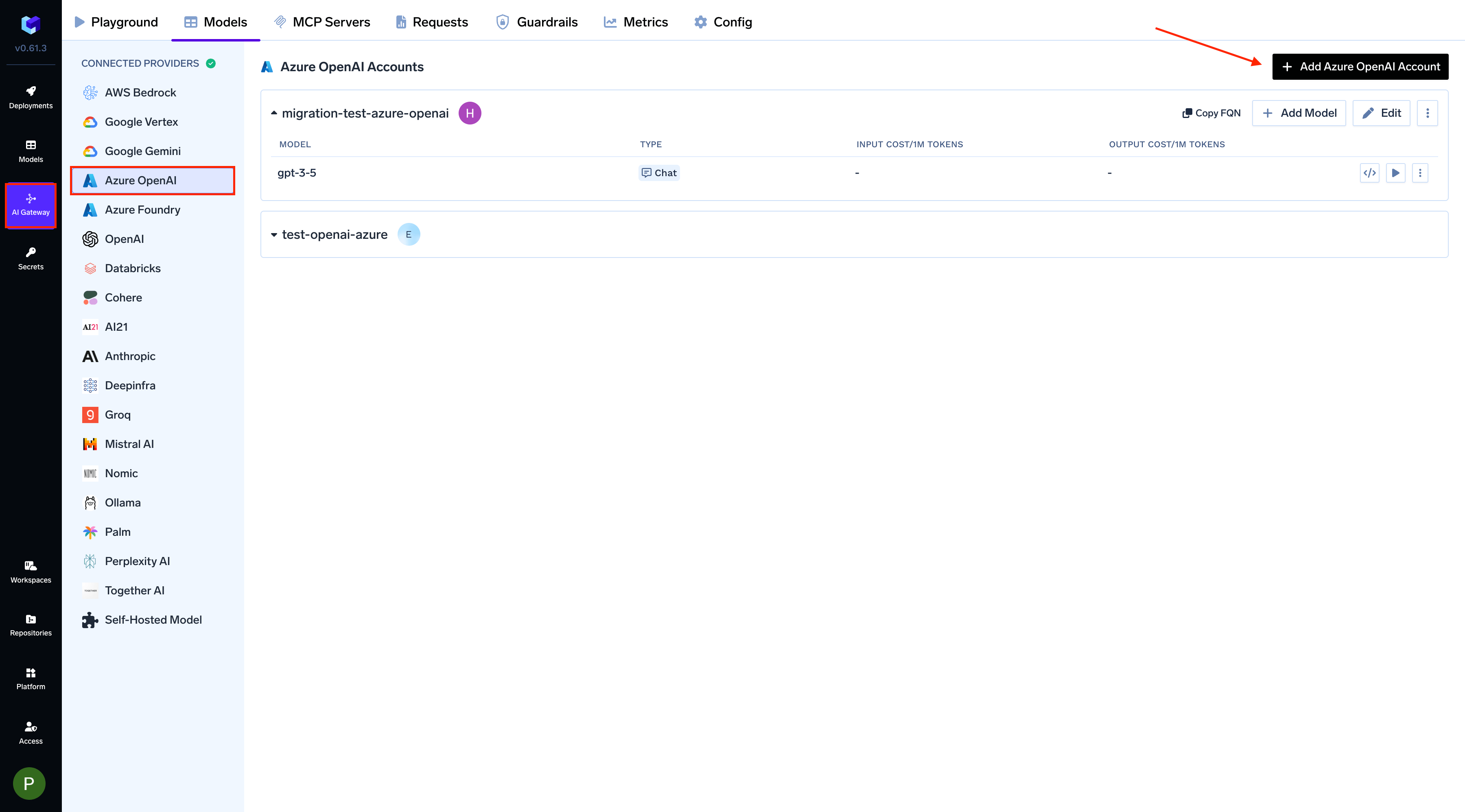
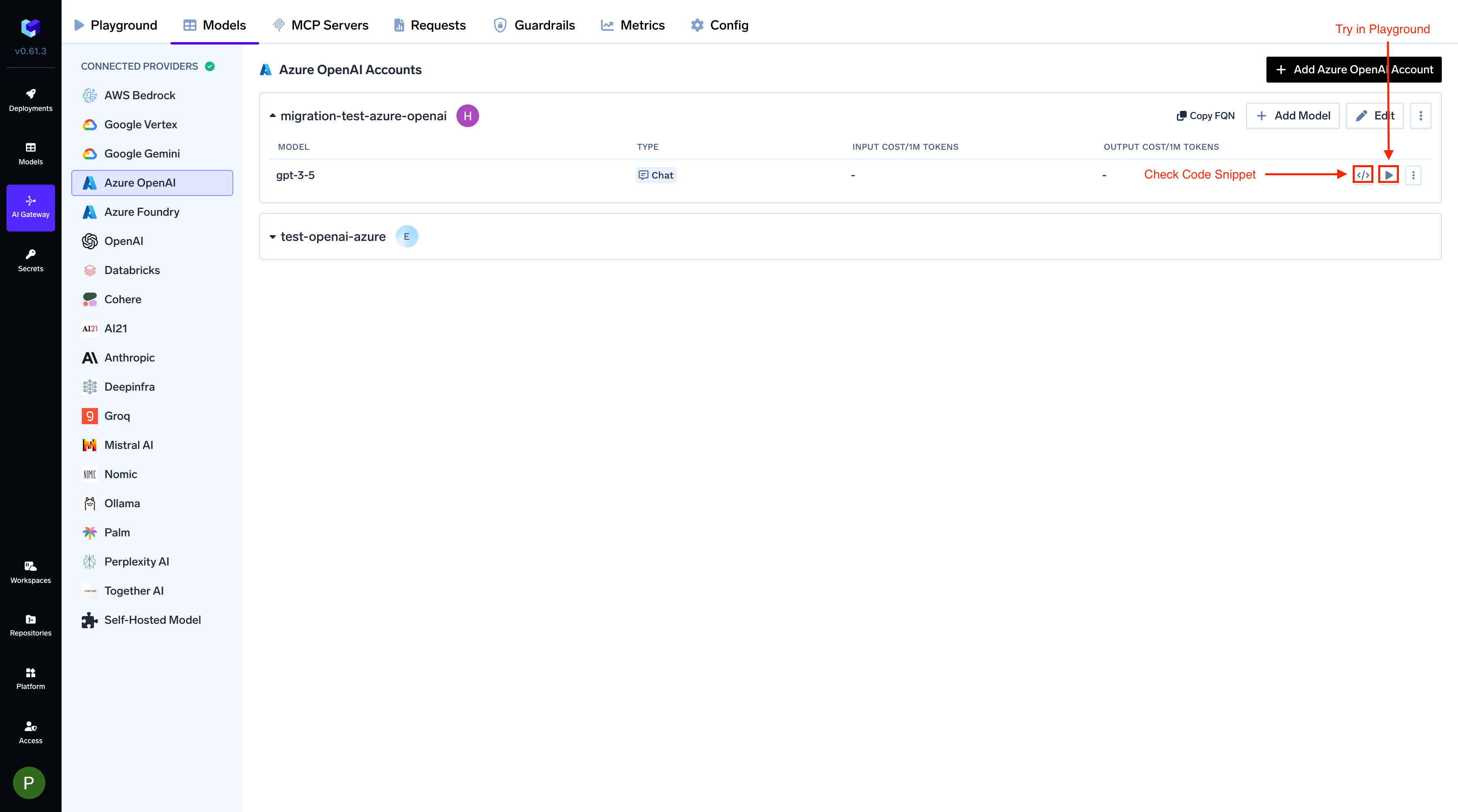
Add and configure Azure OpenAI models through TrueFoundry’s AI Gateway.
Azure OpenAI is a legacy integration. Use Microsoft Foundry for new accounts. Microsoft Foundry is generally available in TrueFoundry v0.175.0 and covers OpenAI models together with models from other publishers on one account. To move this account, follow Migrate to Microsoft Foundry.
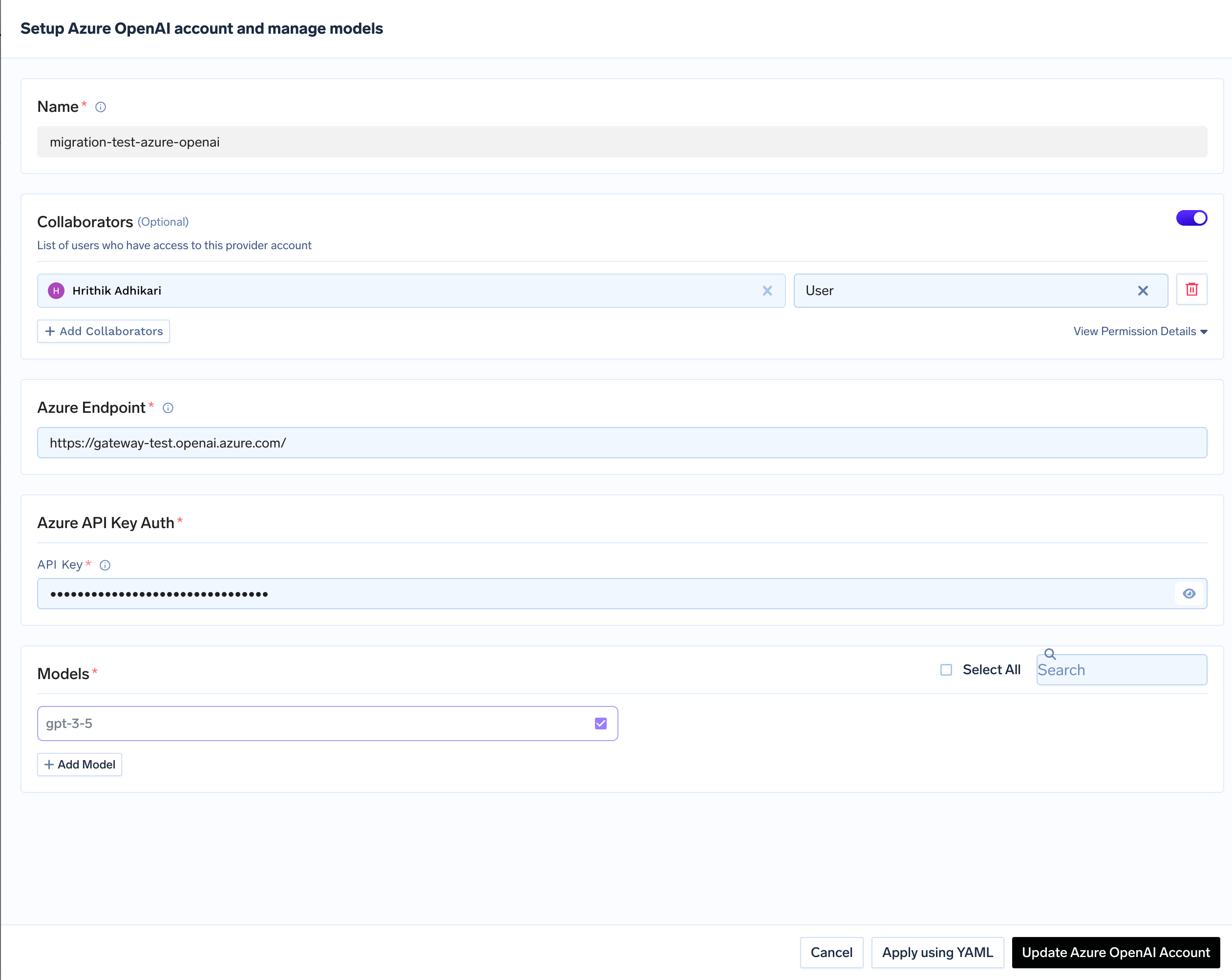
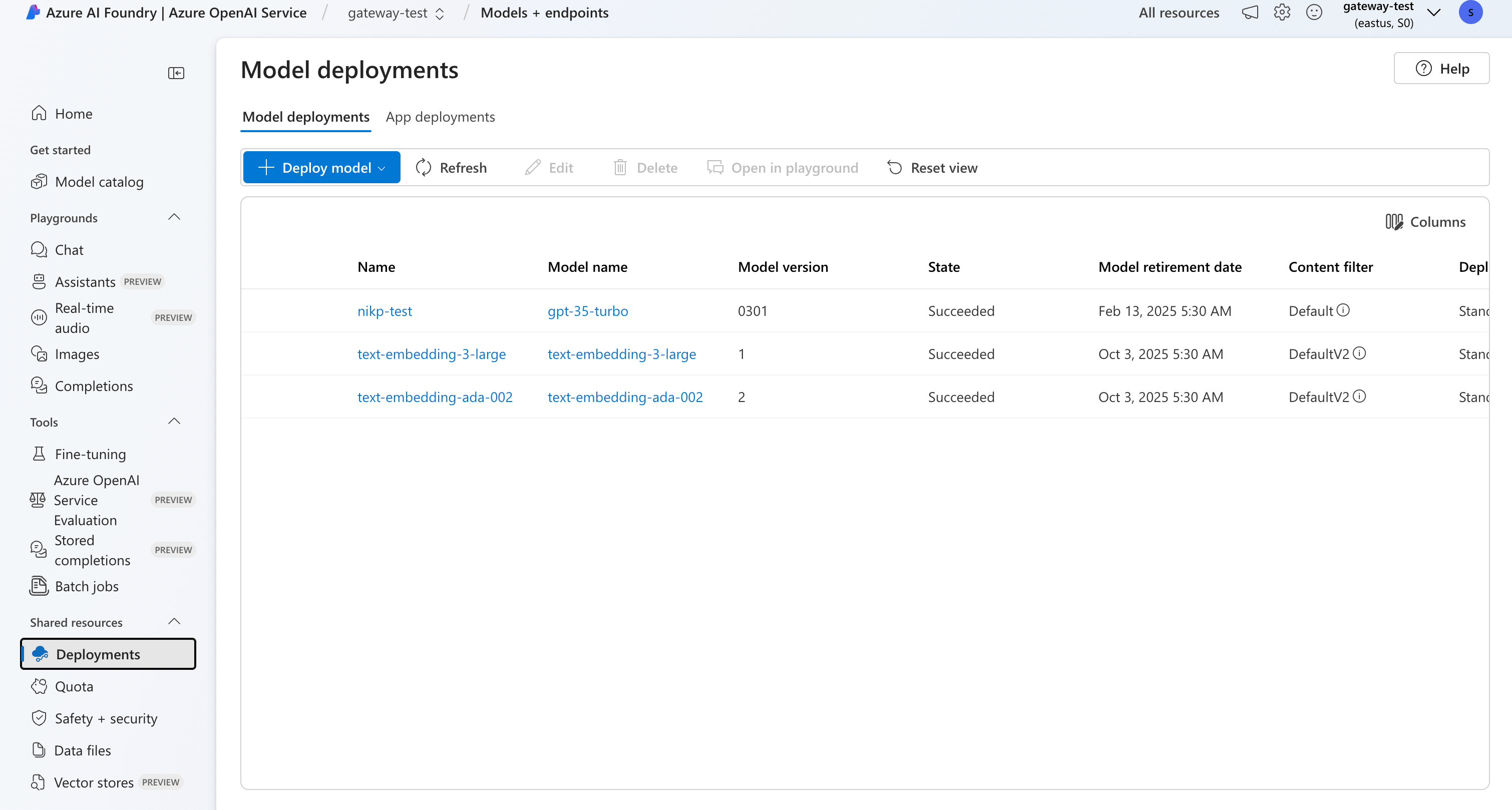
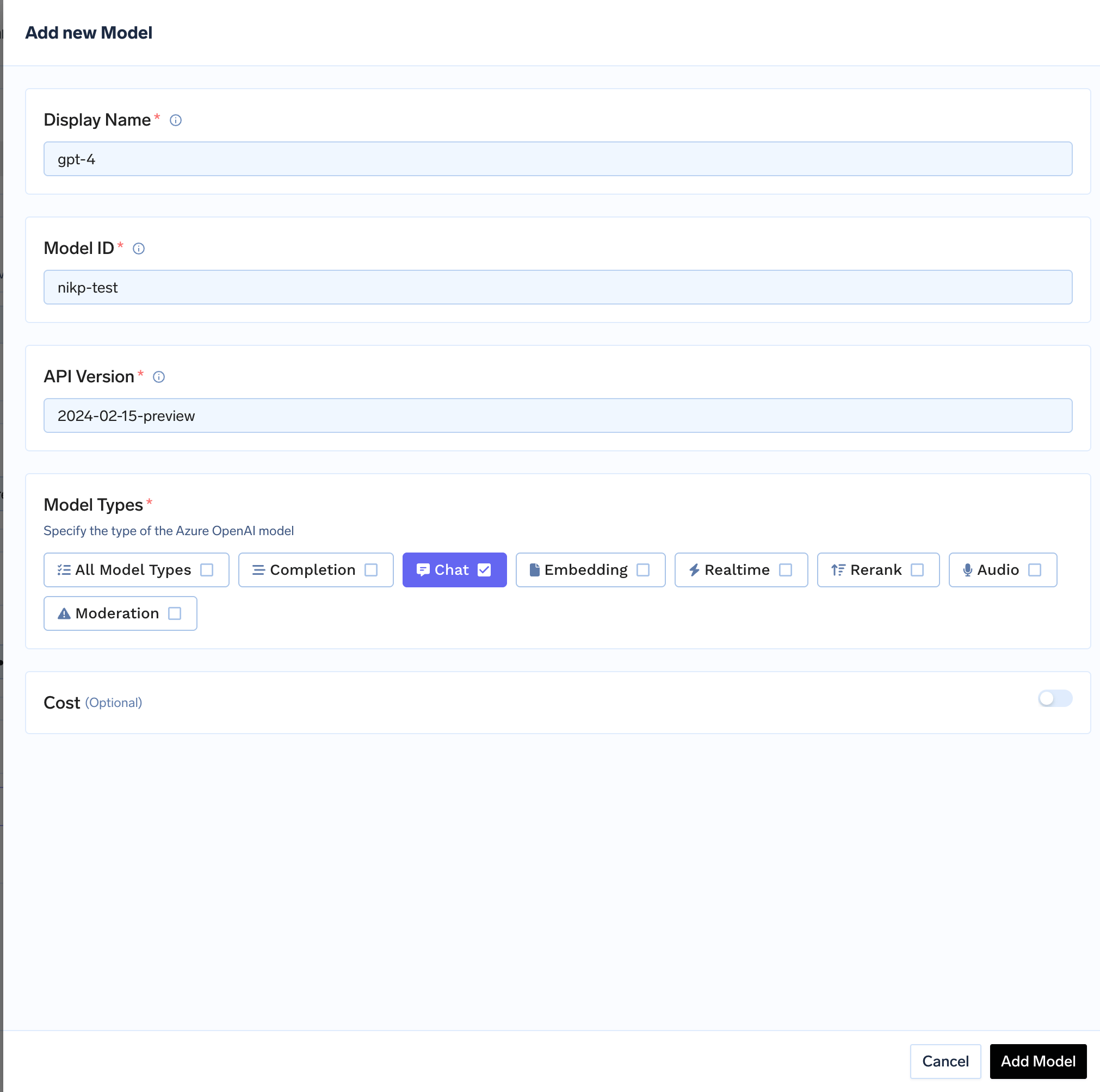
Click on + Add Model to open the form for adding a new model. For Azure OpenAI, you don’t select from a list. Instead, you add models based on your deployments in Azure. The Model ID in TrueFoundry corresponds to your Deployment Name in Azure. First, ensure you have deployed a model in your Azure OpenAI service. You can follow Microsoft’s instructions here. Once deployed, you can find the deployment name in the Deployments tab of your Azure AI Studio.
Find Model Deployment Name in Azure
Use this deployment name as the Model ID when adding the model in TrueFoundry.
Adding an Azure OpenAI model to TrueFoundry
Azure OpenAI integration supports any OpenAI model that you have deployed in your Azure account.
Azure exposes a model’s reasoning only through the Responses API, so when a Chat Completions request asks for reasoning — via reasoning_effort, a thinking field, or the x-tfy-openai-use-responses-api header — the AI Gateway serves it through Azure’s Responses API upstream and converts the reply back. Your client stays on the Chat Completions contract.Two Azure-specific conditions apply:
The deployment’s api-version must be 2025-03-01-preview or newer. Older versions reject /responses outright, so the AI Gateway keeps those requests on Chat Completions and no reasoning is returned.
The deployment’s foundation model must be Responses-capable in the model catalogue. Azure deployment names are arbitrary, so the AI Gateway matches on the underlying foundation model rather than the deployment name you entered as the Model ID.