

Controlling Request Logging
Using HTTP Headers
Include theX-TFY-LOGGING-CONFIG header on a request with a stringified JSON value. Set enabled to true to log the request or false to skip logging:
Using Global Settings
You can also control logging behavior globally using AI Gateway global settings:In the AI Gateway UI, click
Settings in the left sidebar to open global settings.Migrating to logging configs
Logging Configuration replaces the global logging modes with rule-based control:Viewing Request Logs
You can view all logged requests in the TrueFoundry UI. Go toAI Gateway > Monitor > Requests
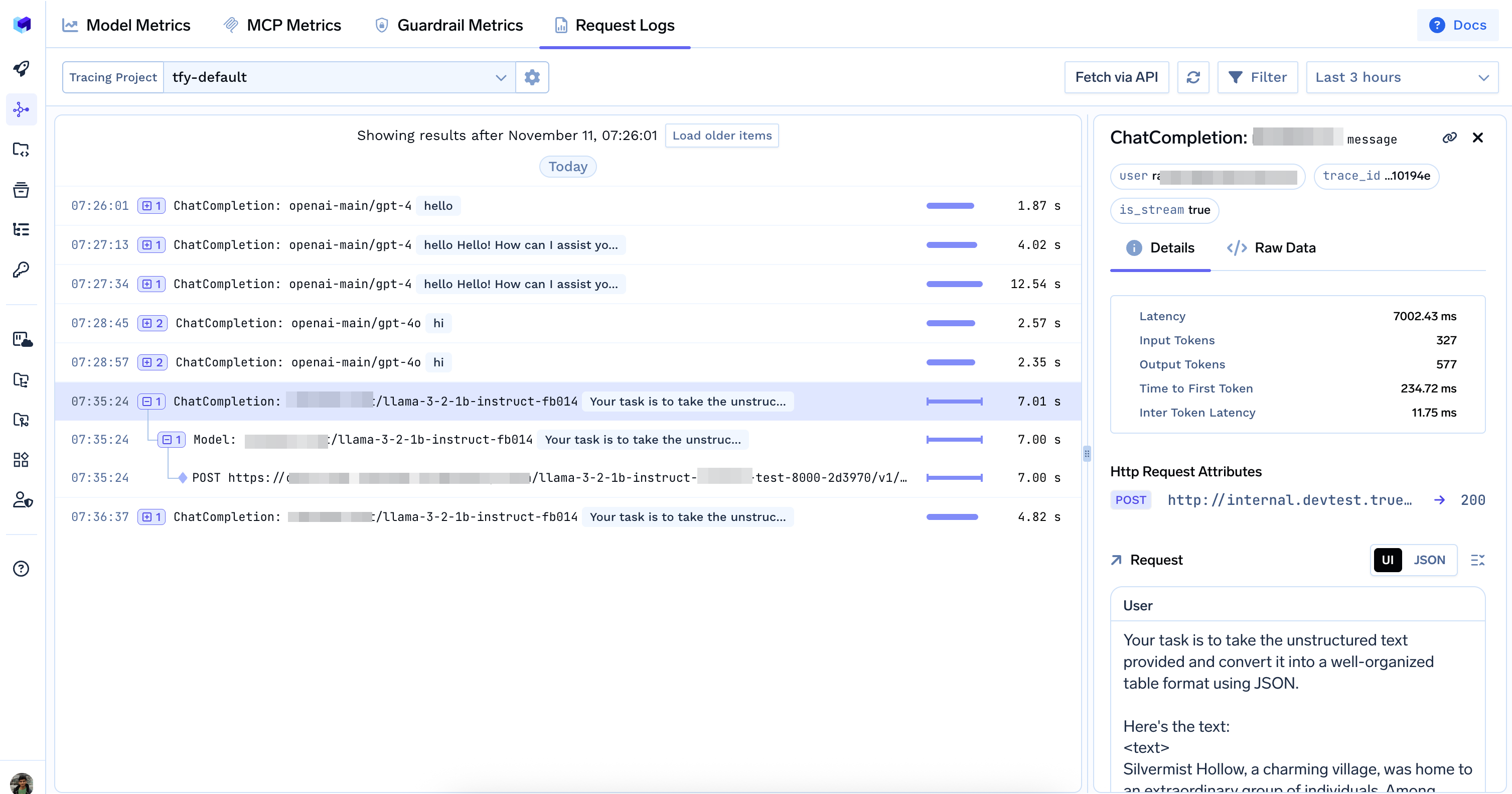
Request logs in the Monitor section