

To better understand tracing concepts like traces, spans, and how they work together, see our tracing overview.
Contents
Quickstart
- Using TrueFoundry SDK
- Using HTTP API
Setup the TrueFoundry SDK
To start querying request logs, install and configure the TrueFoundry SDK and CLI.Follow the CLI Setup Guide for installation instructions and authentication steps.Once setup is complete, you can use the SDK to query tracing data programmatically.
Fetch using TrueFoundry SDK
Each request to the LLM Gateway generates a trace—a timeline of everything that happened, from the incoming request to guardrails to the model call and any external APIs. Let’s pull the latest Gateway traces and see real data quickly.Fetch the latest LLM Gateway request logs:You can get the 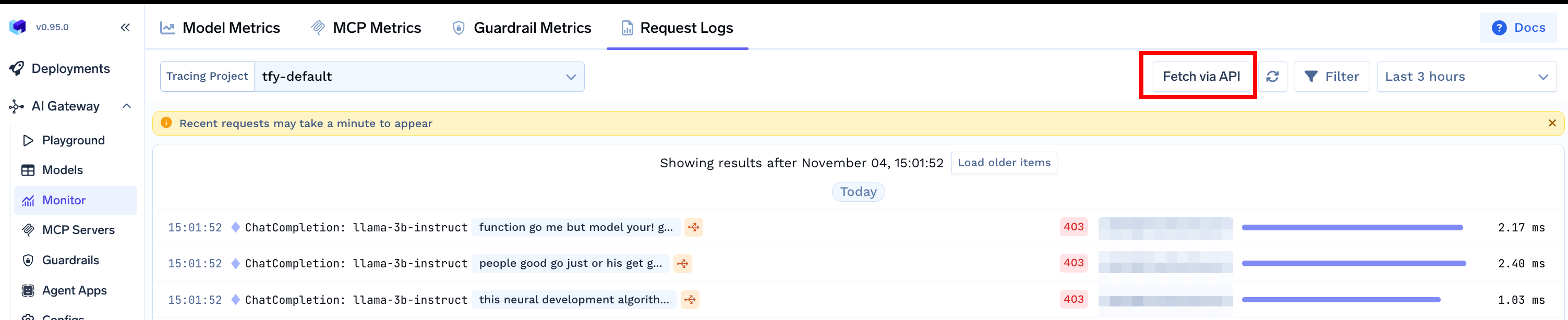
tracing_project_fqn from the Fetch via API button on the Request Logs page