

ARG), build secrets are not stored in the image layers and are only available during the build process, making them ideal for sensitive data.
Why Use Build Secrets?
When building Docker images, you might need to:- Access private package repositories (npm, PyPI, Maven, etc.)
- Clone private Git repositories
- Download artifacts from authenticated endpoints
- Use API keys for package managers or build tools
Configuring Build Secrets in TrueFoundry
Using the UI
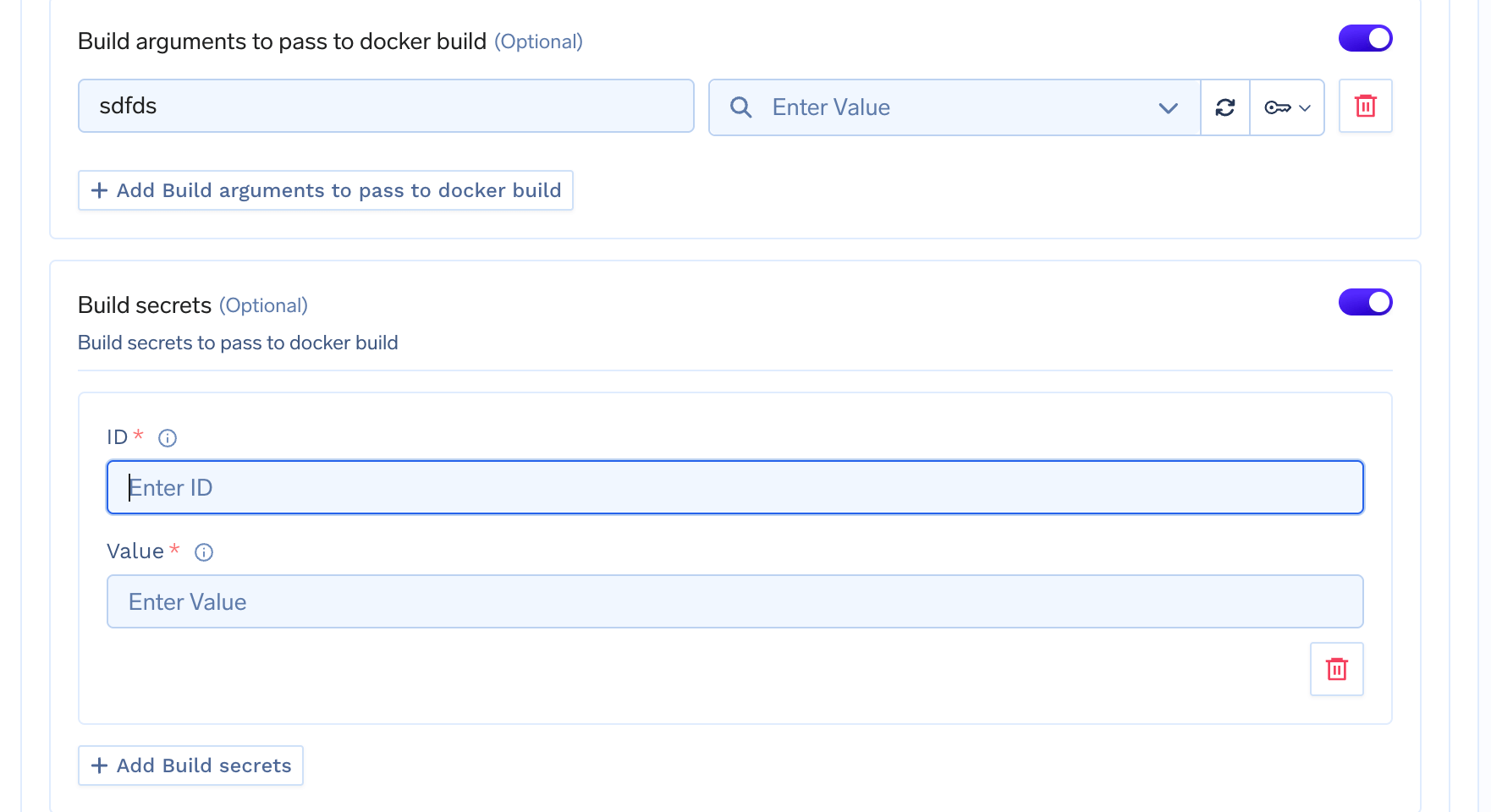
When deploying a service with a Dockerfile, you can configure build secrets in the deployment form:- Navigate to the Build using DockerFile section in the service/job deployment form
- Enable Build secrets toggle
- For each secret, provide:
- ID: A unique identifier used to reference the secret in your Dockerfile (e.g.,
npm_token,github_token) - Value: The secret value, which can be:
- A plain string value
- A TrueFoundry secret FQN (e.g.,
tfy-secret://user:my-secret-group:my-secret)
- ID: A unique identifier used to reference the secret in your Dockerfile (e.g.,
Using Build Secrets in Dockerfile
Docker build secrets are accessed using the--mount=type=secret syntax in your Dockerfile. The secret is mounted as a file at /run/secrets/<id> by default.
Basic Usage
Dockerfile
Installing Private npm Packages
Dockerfile
Cloning Private Git Repositories
Dockerfile
Installing Private Python Packages
Dockerfile
Using Multiple Secrets
You can mount multiple secrets in a singleRUN instruction:
Dockerfile