

model
Upload Model Version
You can automatically save and version model files/folder using thelog_model method.
The basic usage looks like follows
Framework AgnosticAny file or folder can be saved as model by passing it in
model_file_or_folder and framework can be set to None.Framework Specific Models
This is an example of storing ansklearn model. To log a model we start a run and then give our model a name and pass in the model saved on disk and the framework instance.
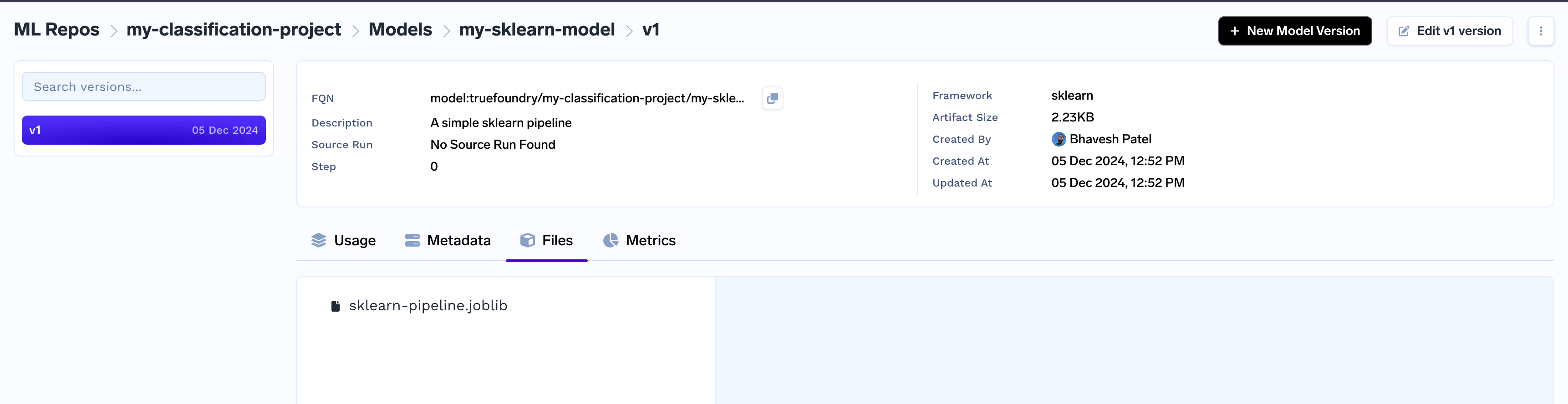
my-sklearn-model under the ml_repo and the first version v1 for my-sklearn-model.
Once created the model version files are immutable, only fields like description, framework, metadata can be updated using CLI or UI.
fqn (fully qualified name) which can be used to retrieve the model later - E.g. model:truefoundry/my-classification-project/my-sklearn-model:1
Any subsequent calls tolog_model with the same name would create a new version of this model - v2, v3 and so on.
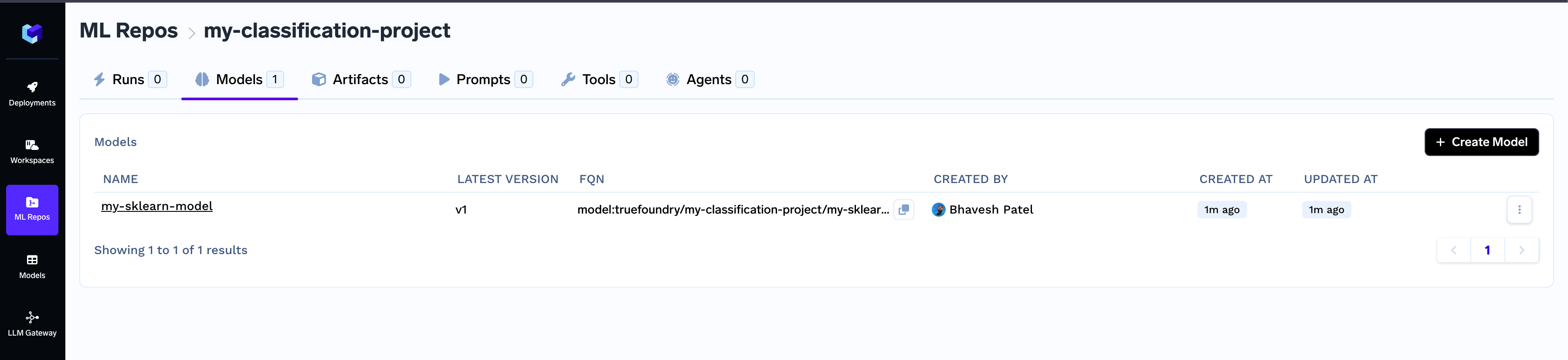
The logged model can be found in the dashboard in the Models tab under your ml_repo.
Get Model Version and Download
You can first get the model using thefqn and then download the logged model using the fqn and then use thedownload() function. From here on you can access the files at download_info.download_dir
FAQs
What are the frameworks supported by the log_model method?
Following framework classes are available in truefoundry.ml
FastAIFrameworkGluonFrameworkH2OFrameworkKerasFrameworkLightGBMFrameworkONNXFrameworkPaddleFrameworkPyTorchFrameworkSklearnFrameworkSpaCyFrameworkStatsModelsFrameworkTensorFlowFrameworkTransformersFrameworkXGBoostFramework
Update Model Version
You may want to update fields like description, framework, metadata on an existing model version.You can do so with the
.update() call on the Model Version instance. E.g.