

Secrets Detection can be applied to all four guardrail hooks: LLM Input, LLM Output, MCP Pre Tool, and MCP Post Tool—providing comprehensive protection across your entire AI workflow.
What is Secrets Detection?
Secrets Detection is a built-in TrueFoundry guardrail that identifies and handles sensitive credentials and secrets in text content. It runs directly within the AI Gateway without requiring external API calls, providing fast and cost-effective secret detection.Key Features
-
Comprehensive Secret Recognition: Detects a wide range of sensitive credentials including:
- AWS access keys and secret keys
- API keys (OpenAI, Anthropic, Google, etc.)
- JWT tokens and bearer tokens
- Private keys (RSA, SSH, PGP)
- Database connection strings
- OAuth tokens and refresh tokens
- Generic high-entropy strings that may be secrets
-
Flexible Operation Modes:
- Validate: Detect secrets and block requests/responses that contain them
- Mutate: Detect secrets and redact them with configurable replacement text, allowing the request to continue
- Zero External Dependencies: Runs entirely within the AI Gateway with no external API calls, ensuring low latency and no additional costs.
Adding Secrets Detection Guardrail
To add Secrets Detection to your TrueFoundry setup, follow these steps:1
Navigate to Guardrails
Go to the AI Gateway dashboard and navigate to the Guardrails section.
2
Create or Select a Guardrails Group
Create a new guardrails group or select an existing one where you want to add the Secrets Detection guardrail.
3
Add Secrets Detection Integration
Click on Add Guardrail and select Secrets Detection from the TrueFoundry Guardrails section.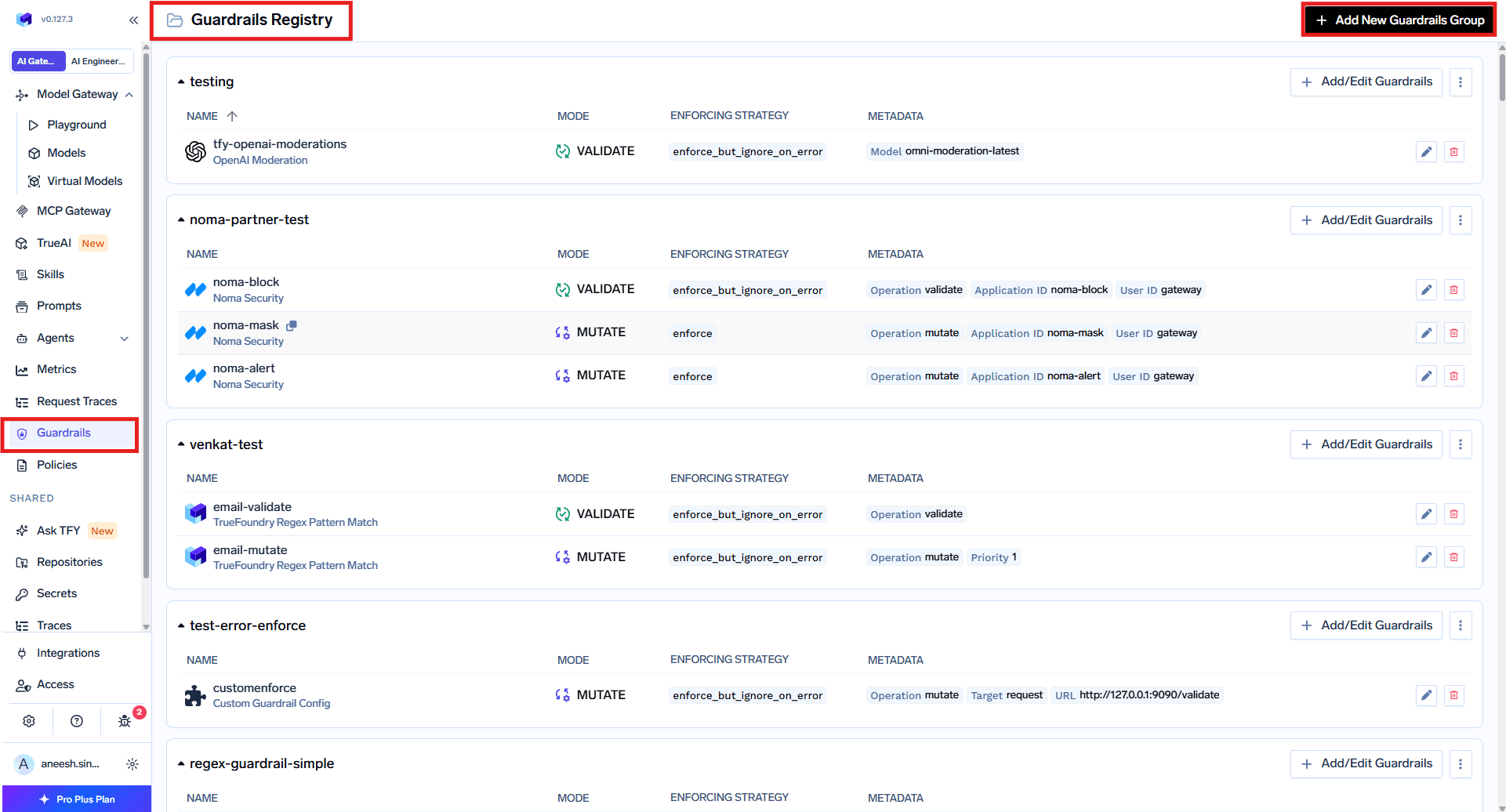
Select Secrets Detection from TrueFoundry Guardrails
4
Configure the Guardrail
Fill in the configuration form:
- Name: Enter a unique name for this guardrail configuration (e.g.,
secrets-detection) - Description: Optional description for this guardrail (default: “Detects likely credentials/secrets (AWS keys, API keys, JWT tokens, private keys)”)
- Operation: Choose the operation mode:
validate: Detect and block requests containing secretsmutate: Detect and redact secrets, allowing the request to continue
- Redaction Text (for mutate mode): Text to replace detected secrets (default:
***REDACTED***)
5
Save the Configuration
Click Save to add the guardrail to your group.
Configuration Options
See Guardrails Overview for details on Operation Modes and Enforcing Strategy.
How It Works
Validate Mode
When configured in validate mode, the guardrail scans the content for secrets and blocks the request if any are detected. Example:Mutate Mode
When configured in mutate mode, the guardrail scans the content for secrets and replaces them with the configured redaction text. Example:Detected Secret Types
The Secrets Detection guardrail identifies a comprehensive set of secret patterns across multiple categories. Below is the complete list of detected secret types.Cloud Provider Credentials
AI/ML Provider API Keys
Code Repository & Package Manager Tokens
Communication & Collaboration Platforms
Payment & E-Commerce
Database Connection Strings
Private Keys & Certificates
Authentication Tokens & Credentials
Other Services
Contextual Pattern Detection
In addition to specific patterns, Secrets Detection also identifies secrets based on contextual clues:Contextual patterns help detect secrets that don’t follow a specific format but appear in contexts that suggest they are sensitive credentials.