Qwen Code is an open-source, AI-powered terminal coding assistant optimized for the Qwen3-Coder model. It helps you understand large codebases, automate tedious work, and ship faster — all from the command line.
Before integrating Qwen Code with TrueFoundry, ensure you have:
TrueFoundry Account: Create a TrueFoundry account with at least one model provider configured and generate a Personal Access Token by following the instructions in Generating Tokens. For a quick setup guide, see our Gateway Quick Start
Qwen Code Installation: Install Qwen Code CLI using one of the methods below:
Quick Install (curl)
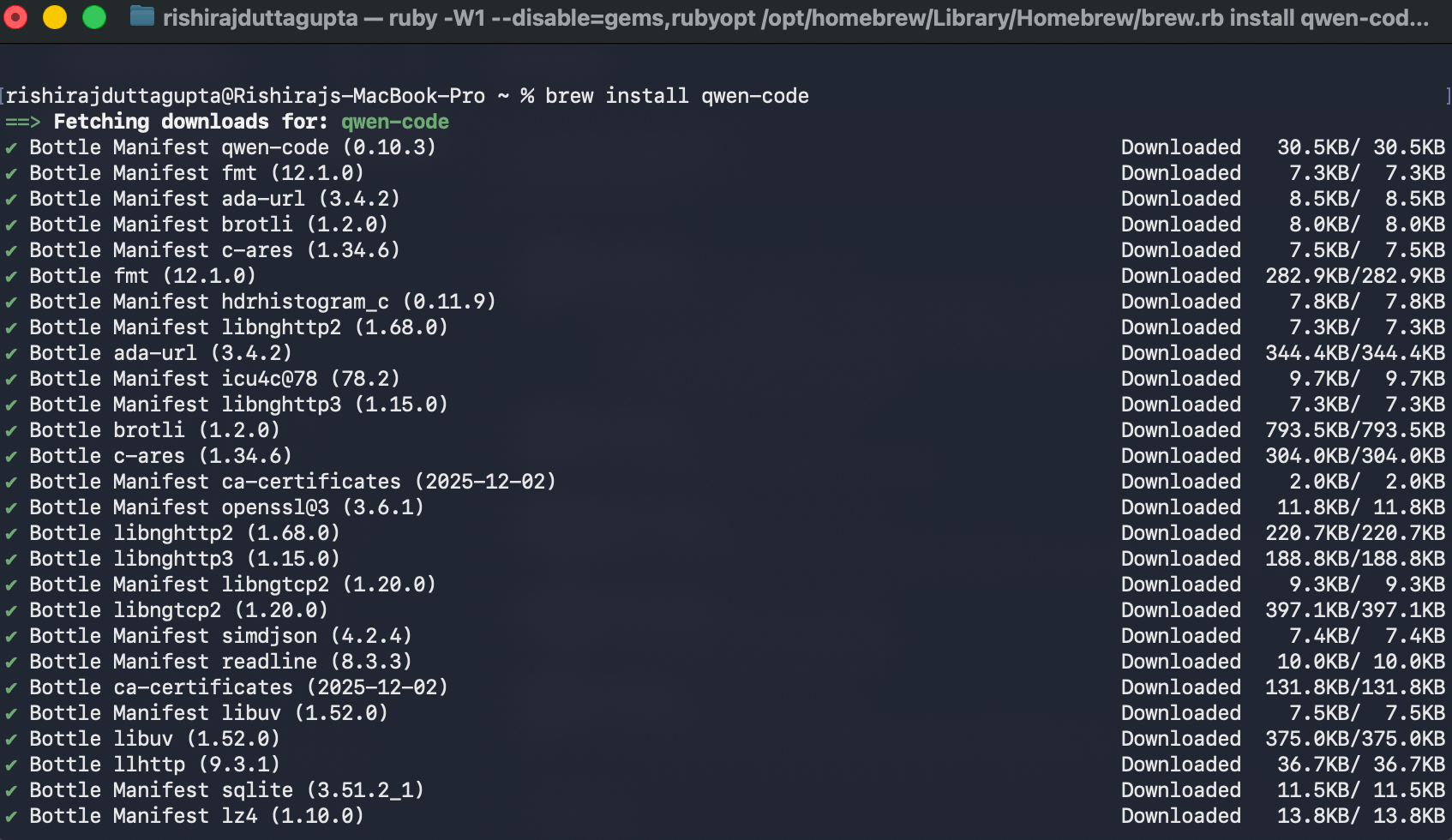
Homebrew
npm
Windows
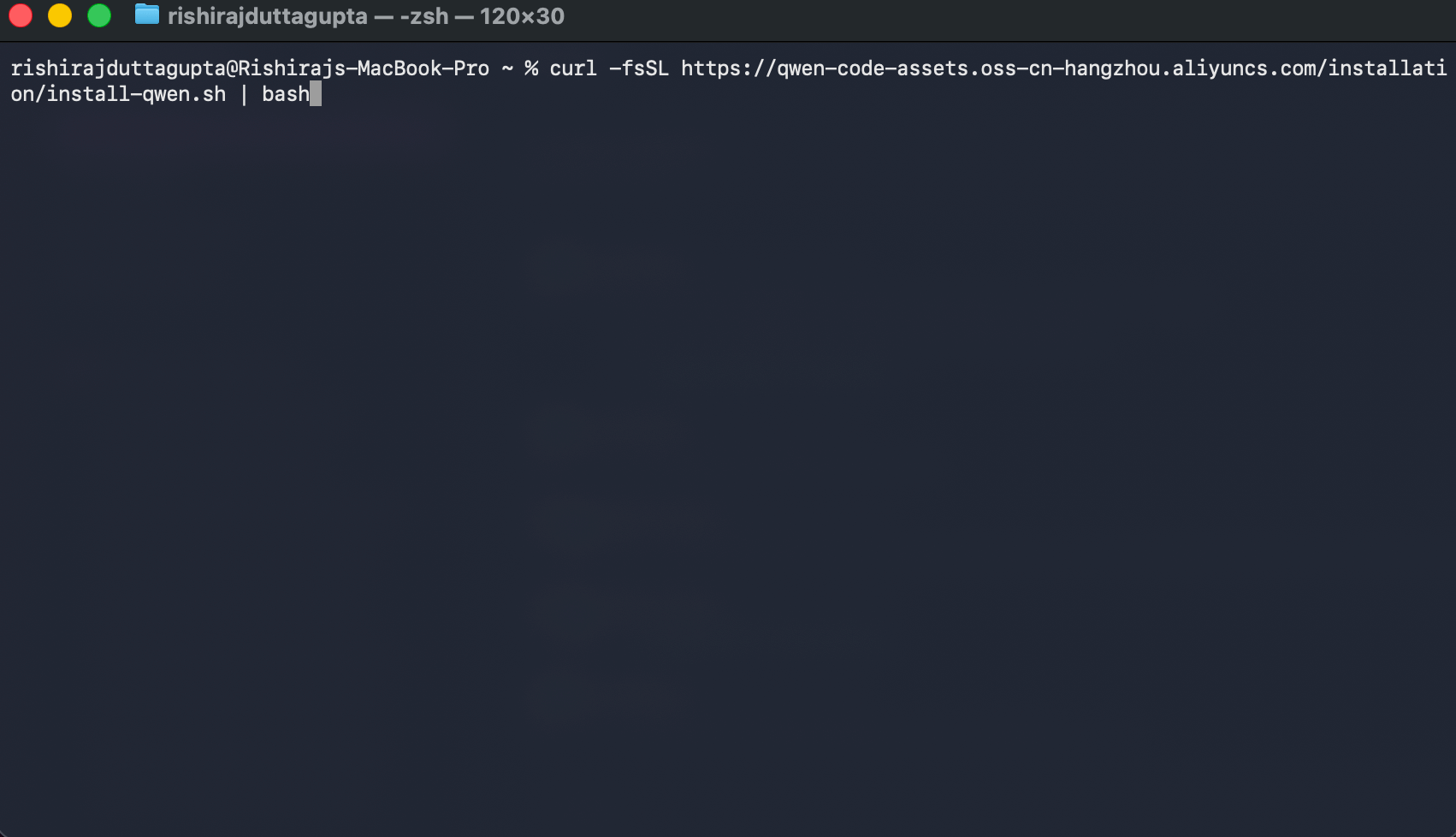
The recommended one-line installer for Linux and macOS:
{GATEWAY_BASE_URL} → Your TrueFoundry AI Gateway Base URL
your-truefoundry-api-key → Your TrueFoundry Personal Access Token
openai-main/gpt-4o → Your desired model in provider-name/model-name format
The id and model.name fields should use the fully qualified model name from TrueFoundry (e.g., openai-main/gpt-4o, anthropic/claude-4-sonnet). You can find the exact model name in the TrueFoundry AI Gateway playground.
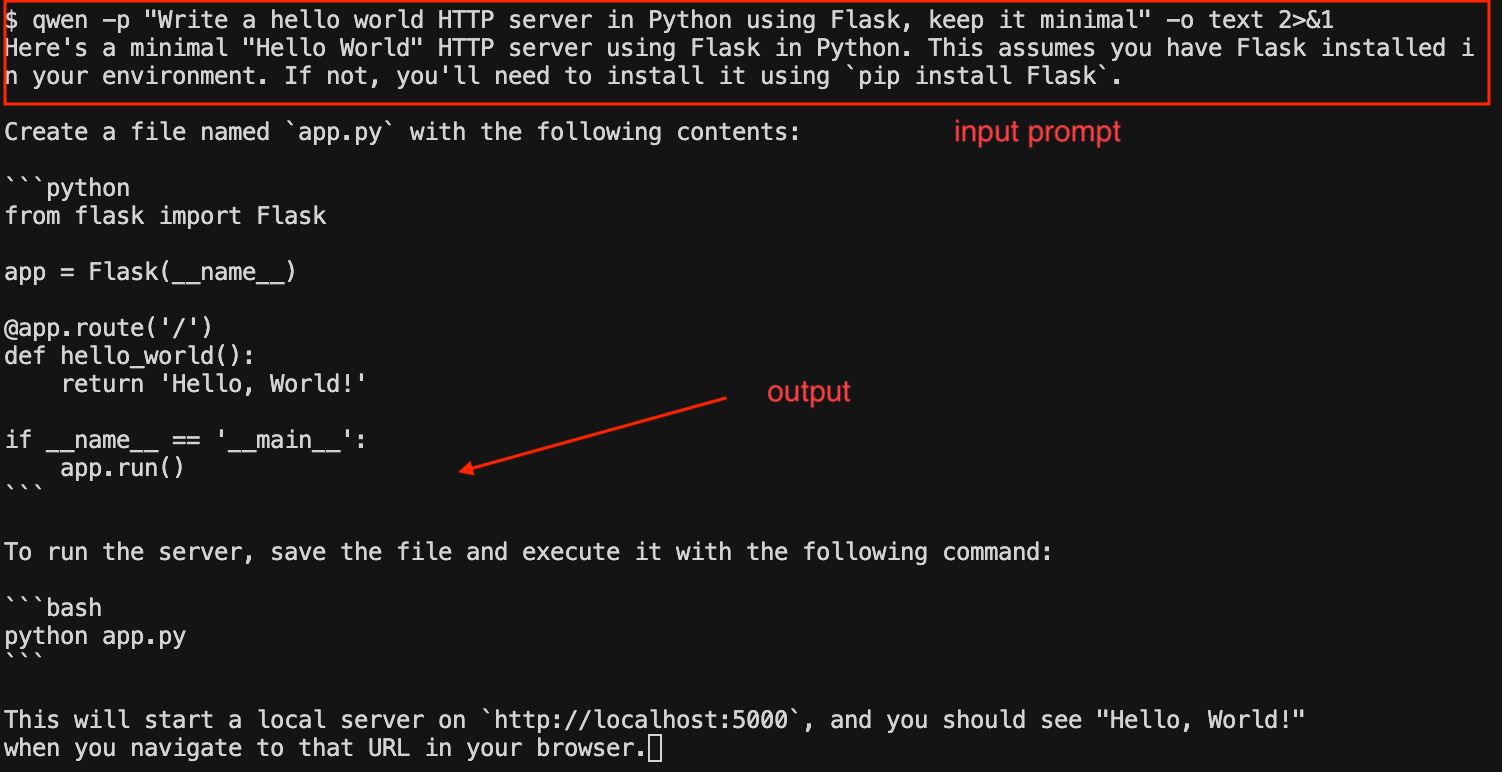
Use the -p flag to run Qwen Code without the interactive UI — ideal for scripts, automation, and CI/CD:
# Generate code with a promptqwen -p "Write a hello world HTTP server in Python using Flask, keep it minimal"# Output as plain text (useful for piping)qwen -p "Write a hello world HTTP server in Python using Flask, keep it minimal" -o text
Qwen Code CLI headless mode output showing a generated Flask server
# Understand your project> What does this project do?# Code generation> Write unit tests for the auth module# Refactoring> Refactor this function to use async/await# Debugging> Why is this test failing?
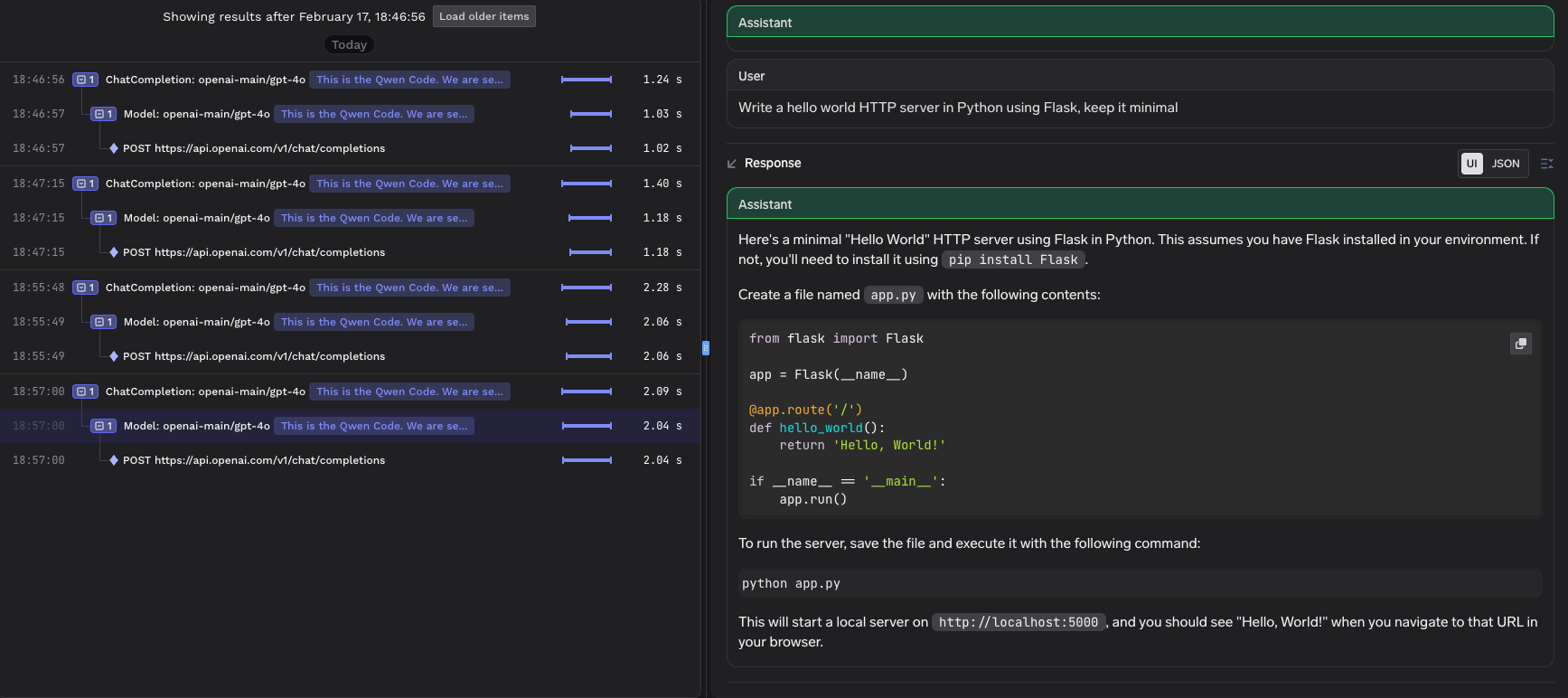
All requests routed through TrueFoundry AI Gateway are automatically logged and available for monitoring. You can view request traces, latencies, token usage, and full request/response details in the TrueFoundry dashboard.
TrueFoundry trace view showing Qwen Code CLI requests routed through the AI Gateway
This gives you full visibility into:
Request traces: See every request made by Qwen Code, including the model used and response times
Token usage: Track input and output token consumption across sessions
Cost monitoring: Monitor spend across different models and providers
Governance: Enforce policies, rate limits, and access controls on all AI requests
Gateway config: per user. Qwen Code has a system settings file, /etc/qwen-code/settings.json (Linux), C:\ProgramData\qwen-code\settings.json (Windows), or /Library/Application Support/QwenCode/settings.json (macOS), that overrides user and project settings and can set modelProviders and security.auth.enforcedType. But OPENAI_BASE_URL / OPENAI_API_KEY environment variables and CLI flags rank above it, so the base URL can’t be hard-locked; push the values through MDM and use network policy. See Qwen Code’s settings doc.MCP servers: enforceable. Remote servers are mcpServers.<name> with httpUrl (Streamable HTTP) or url (SSE), headers, or an oauth block; point them at the MCP Gateway. In the system settings file, mcpServers defined there can’t be overridden by users, and mcp.allowed / mcp.excluded allowlist or block servers by name (mcp.excluded wins). Matching is by name string, so it’s policy rather than a hard boundary. See Qwen Code’s MCP doc.
Was this page helpful?
Assistant
Responses are generated using AI and may contain mistakes.