


September 19, 2026
|
5 min read


Published: June 6, 2026
.webp)
Blazingly fast way to build, track and deploy your models!
As teams move LLM applications from demos to production, prompts quickly become one of the most fragile parts of the system. What starts as a few hard-coded strings often grows into dozens of prompts spread across services, agents, and environments. Small prompt changes can significantly impact output quality, cost, and reliability, yet many teams still manage prompts informally.
This is where prompt management tools come in. They provide structured ways to create, version, test, and govern prompts as first-class production artifacts, rather than static text embedded in code.
For teams running multi-model systems, AI agents, or large-scale LLM workloads, prompt management is not just about organization. It directly affects debugging speed, rollout safety, cost control, and overall system reliability.
In this blog, we’ll look at what prompt management tools are, why they become essential in production, and how teams typically integrate them into modern AI platforms. We will also take a look at the best prompt management tools in 2026.
Prompt management tools are platforms that help teams centrally create, store, version, and manage prompts used in LLM applications and agentic AI systems. Instead of embedding prompts directly in code, they treat prompts as reusable assets that can be updated and shared across multiple models, agents, and workflows.
At a basic level, they support prompt templates, version tracking, and reuse across applications. This helps maintain consistency and reduces duplication when multiple teams are building AI systems.
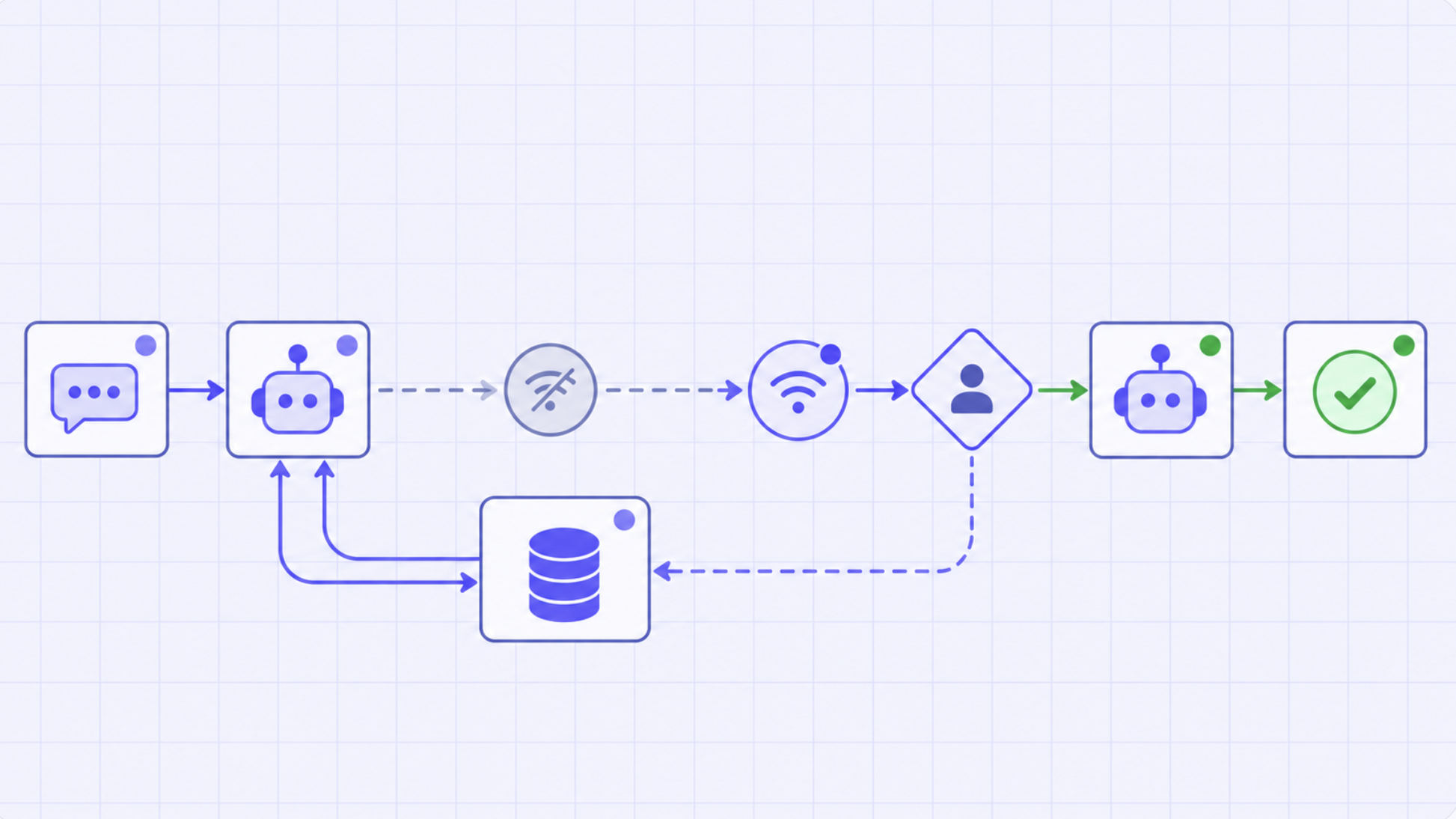
In production, a prompt management platform turns prompts into dynamic configuration units linked to environments, models, or user segments. Different versions can run for testing, gradual rollouts, or fallback scenarios, making prompts easier to control at scale.
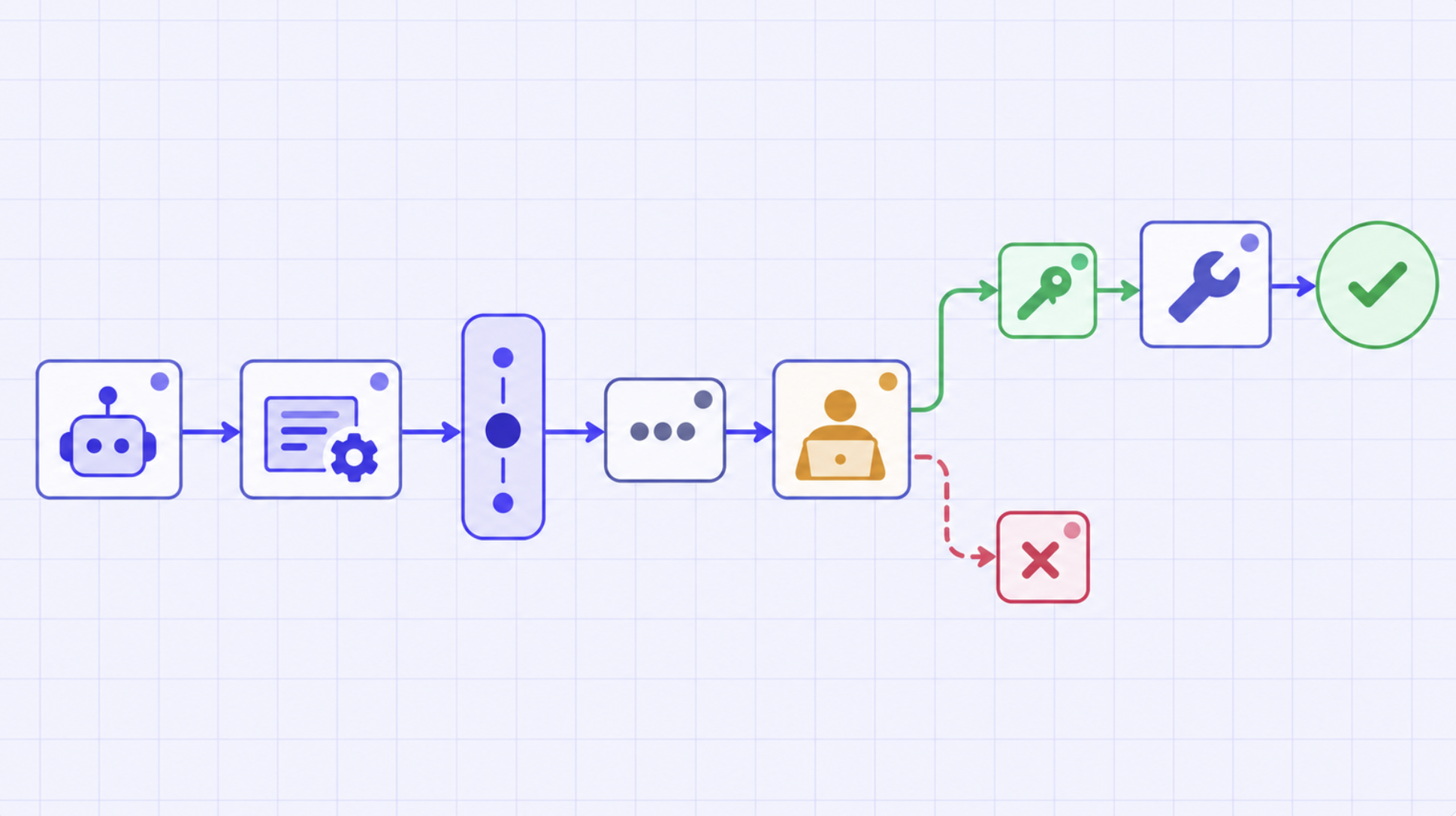
Prompt management tools store prompts in a central registry with metadata like version, model compatibility, and usage context. Applications fetch prompts dynamically at runtime instead of hardcoding them.
The system selects the right prompt based on rules like environment or experiment setup, injects it into the model request, and executes it without requiring code changes. Most tools also track performance metrics like quality, latency, and cost, helping teams continuously refine prompts using real production feedback.
Many teams initially manage prompts directly in code repositories or configuration files. This approach works early on, but it does not scale as systems grow.
Some common failure modes include:
Prompt management tools are designed to address these problems by decoupling prompt operations from application logic and deployments.
The best prompt management tools solve these issues by decoupling prompts from application code and turning them into centrally managed assets. This enables version control, safe rollbacks, and structured experimentation without redeploying services.
They also introduce runtime flexibility, allowing different prompt versions to be used across environments, A/B tests, or user segments. This improves iteration speed while keeping production stable.
Finally, they add governance and observability layers, making it clear who owns each prompt, how it is being used, and how changes impact performance, cost, and output quality.
.webp)
TrueFoundry is an enterprise-grade prompt management platform built for teams that are moving from experimental LLM use to production-scale agentic AI systems. Instead of treating prompts as static text inside application code, TrueFoundry turns them into fully managed, versioned assets that can be deployed, tested, and controlled independently. This makes it easier for teams to iterate on prompt behavior without redeploying applications or risking production instability.
At its core, TrueFoundry tightly integrates prompt management with the broader AI infrastructure stack, including model serving, AI Gateway routing, and observability. This means prompts are not isolated components, they are directly connected to how models are accessed, how requests are routed, and how outputs are monitored in real time. Teams can safely experiment with different prompt versions, run A/B tests, and gradually roll out changes across environments such as development, staging, and production.
A key advantage of TrueFoundry is its focus on governance and operational control. As organizations scale to multiple teams, agents, and models, prompt sprawl becomes a real issue. TrueFoundry addresses this by providing centralized control, role-based access, audit logs, and visibility into how each prompt version impacts latency, cost, and output quality. This makes it suitable for regulated and high-stakes environments where traceability and compliance are critical.
Key Features
Best For
Pricing
TrueFoundry offers a Developer plan at $0/month for experimentation, a Pro plan at $499/month for production-ready teams, a Pro Plus plan at $2999/month for advanced controls, and an Enterprise plan with custom pricing for large-scale, secure, and compliant AI deployments.
.webp)
Langfuse is an open-source prompt management software and LLM observability platform built for engineering teams that need deep visibility into how prompts perform in production. It combines prompt versioning with detailed execution tracing, helping teams understand not just what a prompt is, but how it behaves in real applications.
A key concept in Langfuse is “traces,” which track every step of an LLM workflow from input to final output. This makes it especially useful for debugging complex chains and agent-based systems, where understanding intermediate steps is critical. Prompts can be versioned and dynamically fetched in applications, while performance data like latency, token usage, and cost is automatically linked to each run.
Langfuse also enables evaluation workflows by turning production data into datasets, allowing teams to test and compare prompt changes before rolling them out.
Pros
Cons
.webp)
LangSmith is a production-focused prompt management software and observability platform built by the creators of LangChain. It is designed to help teams debug, test, evaluate, and monitor LLM applications in production. While it integrates deeply with LangChain, it also works as a standalone tool for any LLM-based system, making it useful for both simple and complex AI applications.
The platform provides end-to-end tracing of application execution, showing every step from prompt input to final output, including tool calls and intermediate reasoning steps. This makes it easier to identify errors, analyze performance issues, and understand why an AI system produced a specific response. It is especially useful for teams moving from prototype-stage AI apps to production-grade systems.
LangSmith also includes evaluation and monitoring capabilities, allowing teams to create datasets, compare prompt versions, and track key metrics like latency, cost, and token usage over time. This helps teams continuously improve prompts using real production data.
Pros
Cons
.webp)
Maxim AI is an end-to-end prompt management platform combining evaluation, simulation, and observability. Instead of treating prompts as standalone assets, it connects them with datasets, testing environments, simulations, and production monitoring in a single workflow. This makes it easier for product and engineering teams to collaborate on improving AI behavior continuously.
The platform allows users to create, version, and compare prompts while testing them across multiple models and scenarios. Prompts can be evaluated in a “Playground++” environment where teams run side-by-side comparisons, track changes, and validate performance before deployment. In production, Maxim provides tracing and observability to monitor latency, cost, and output quality, helping teams quickly detect regressions.
Pros
Cons
.webp)
Alt text: Promptfoo as a Prompt management platform
Promptfoo is a developer-focused, open-source framework designed for testing and evaluating prompts in a code-first way. Instead of acting as a traditional prompt management system, it focuses on prompt quality assurance, helping teams ensure that changes to prompts do not degrade performance before they reach production. It is often used as part of CI/CD pipelines for LLM applications.
The tool works through simple configuration files (often YAML), where developers define prompts, models, and evaluation rules. It enables automated regression testing, A/B comparisons across different prompts, and side-by-side evaluation across multiple LLM providers such as OpenAI and Anthropic. This makes it especially useful for teams that want structured, repeatable testing of prompt behavior.
Pros
Cons
.webp)
Promptaa is an AI-first prompt management platform designed to help users create, refine, organize, and reuse high-quality prompts across different AI models. Instead of treating prompts as one-off inputs, it helps users build a structured and reusable prompt library that improves consistency and output quality over time. It is especially useful for users who want to move from basic prompting to more systematic prompt engineering.
A key feature of Promptaa is its AI-powered prompt enhancement capability, which can transform simple ideas into detailed, structured prompts with context, constraints, tone, and examples. It also provides a centralized library where users can store, categorize, and version prompts for easy retrieval and reuse across projects and workflows. Additionally, it supports multiple use cases including text generation, image creation, coding, and business content.
Promptaa also includes collaboration and community features, allowing users to share prompts, explore templates created by others, and learn from real-world examples. This makes it useful not only as a productivity tool but also as a learning platform for improving prompt engineering skills.
Pros
Cons
.webp)
PromptLayer is a prompt management tool built for engineering teams that want to bring structure and control to LLM development workflows. It helps move prompts out of application code into a centralized system where they can be versioned, tracked, and managed more reliably.
The platform is designed to support production use cases, where prompts frequently evolve and need careful monitoring to avoid breaking downstream AI behavior. It also bridges development and operations by adding visibility into how prompts perform once deployed.
Pros:
Cons:
.webp)
Humanloop is an enterprise-focused prompt management platform and evaluation platform built around structured experimentation and human feedback. It helps teams move beyond simple prompt storage by turning prompt development into a continuous improvement cycle, where prompts are versioned, tested, and refined using both automated evaluations and human review.
The platform is designed for organizations that need strong governance, auditability, and collaboration between technical and non-technical stakeholders. It is especially useful in environments where AI outputs must meet strict quality, safety, or compliance standards.
Pros:
Cons:
.webp)
Helicone is an open-source LLM observability and gateway platform that helps teams monitor, control, and optimize their AI usage at scale. It acts as a proxy layer between applications and LLM providers, giving developers a single entry point to access multiple models while capturing detailed logs for every request.
Beyond observability, it also supports lightweight prompt management, cost tracking, and performance optimization in production environments. This makes it especially valuable for teams that want visibility into usage patterns without heavily modifying their existing codebase.
Pros:
Cons:
.webp)
PromptBase is a prompt marketplace rather than a traditional prompt management tool, built for users who want ready-made, high-quality prompts instead of creating and maintaining their own. It enables buying and selling of prompts optimized for models like ChatGPT, Midjourney, DALL·E, and Stable Diffusion.
Instead of focusing on versioning, evaluation, or governance, it focuses on accessibility, helping users quickly acquire proven prompts for creative, business, or technical use cases. It also enables expert prompt engineers to monetize their work by selling or customizing prompts for specific needs.
Pros:
Cons:
While implementations vary, most production teams look for a common set of capabilities when evaluating prompt management tools.
Prompt versioning and rollback: Every prompt change should be versioned, with the ability to roll back quickly if output quality degrades. This is especially important when prompts are shared across multiple services or agents.
Parameterized prompt templates: Rather than static text, prompts are usually defined as templates with variables. This makes prompts reusable and easier to maintain across different use cases.
Environment-level separation: Teams often need different prompt versions for development, staging, and production. Prompt management tools help enforce these boundaries without duplicating logic.
Safe iteration and experimentation: Prompt changes should be testable in isolation before being rolled out broadly. This often ties into evaluation workflows and controlled rollouts.
As organizations scale their LLM applications, managing prompts becomes increasingly complex across teams, environments, and production systems. Modern best prompt management tools solve key challenges:
In TrueFoundry, prompt management is designed to work as part of the broader AI infrastructure layer, not as a standalone feature.
Prompts are treated as production assets that integrate with:
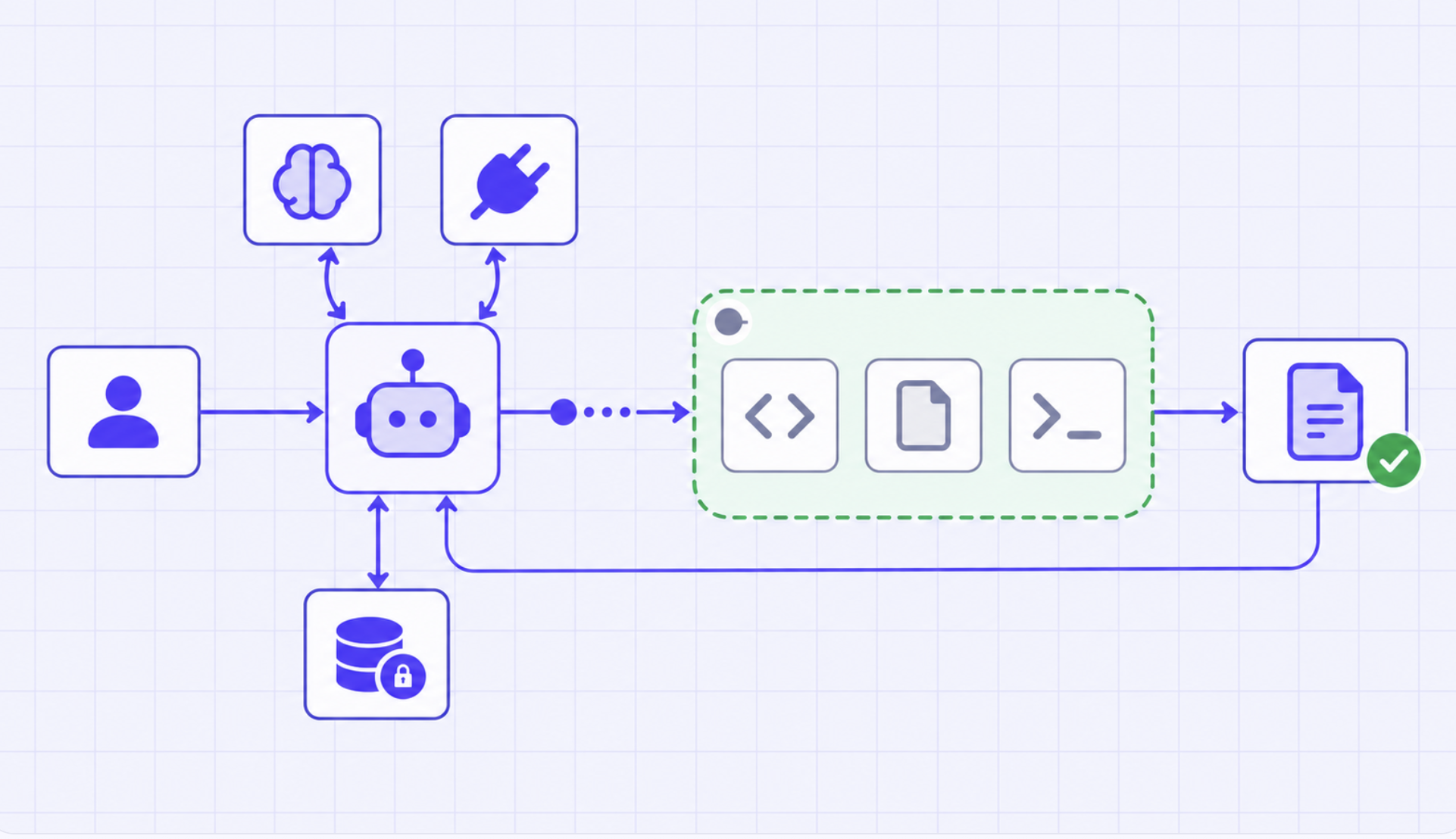
Instead of embedding prompt text directly in applications or agents, teams can manage prompts centrally and resolve them at runtime. This allows prompt updates to be rolled out independently of application deployments, while still maintaining strict control over where and how prompts are used.
Because prompt resolution happens at the gateway layer, TrueFoundry can associate every request with:
This unified view makes it easier for platform teams to:
For teams running multi-model systems or agent-based workflows, this approach helps ensure that prompt management scales alongside the rest of the AI platform, rather than becoming a bottleneck or source of hidden risk.
Prompt management is one of the first challenges teams encounter when moving LLM applications and agents into production. What begins as simple prompt strings quickly turns into a growing surface area that affects system behavior, reliability, and cost.
Prompt management tools help teams treat prompts as first-class production assets. By centralizing prompt versioning, enabling safe iteration, and integrating prompts with routing, observability, and access control, teams can evolve their AI systems without introducing unnecessary risk.
As systems scale to include multiple models, agents, and workflows, prompt management becomes less about convenience and more about operational discipline. Integrated approaches, where prompts are managed alongside the rest of the AI infrastructure, give teams the control and visibility needed to run production AI systems reliably.
See how TrueFoundry simplifies production AI deployment and management. Book a demo.
TrueFoundry AI Gateway delivers ~3–4 ms latency, handles 350+ RPS on 1 vCPU, scales horizontally with ease, and is production-ready, while LiteLLM suffers from high latency, struggles beyond moderate RPS, lacks built-in scaling, and is best for light or prototype workloads.




Prompt management is the process of storing, versioning, organizing, and monitoring prompts used in LLM applications. It ensures prompts are reusable, trackable, and consistent across environments, while enabling teams to collaborate and measure performance in production systems.
The best prompt management tools for 2026 include TrueFoundry, Langfuse, LangSmith, Maxim AI, PromptLayer, and Humanloop. These platforms help teams manage prompts, run evaluations, track performance, and ensure reliable deployment of LLM-powered applications at scale.
A good prompt management platform should offer version control, evaluation frameworks, observability, and collaboration features. It should also support deployment workflows, integration with LLMs, access control, and monitoring of cost, latency, and output quality in production environments.
Top open-source prompt management tools include Langfuse, Promptfoo, and Helicone. These tools provide self-hosting options, strong observability, and flexible testing capabilities, making them ideal for teams that want control, transparency, and customization in their LLM workflows.



The latest news, articles, and resources sent to your inbox
.png)
.png)
.png)
.png)
.png)
.png)
.png)
.png)
.png)
.png)
.png)


